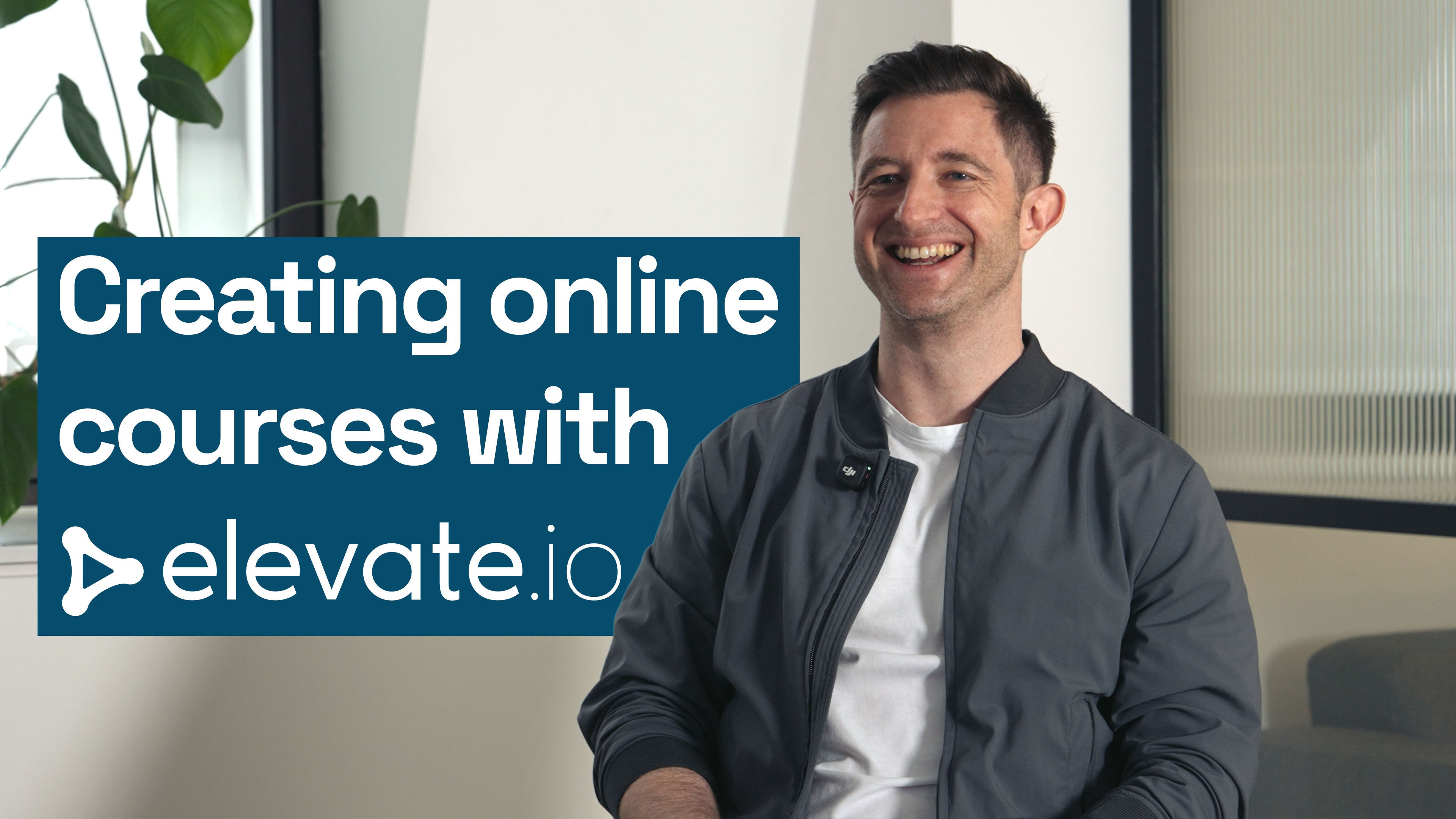
How Dan Stockdale creates videos for his online course
How Dan Stockdale creates videos for his online course
Updated on
Feb 16, 2026
Dan Stockdale is a financial modeler and online course creator who uses the collaborative online video editor elevate.io to edit all his videos on Excel and Power BI for his website Claritix. Like many online courses, Claritix is powered by Kajabi, the ultimate online course hosting platform.
Video isn't only used for Dan's courses, he leverages the medium for promotion too — repurposing parts of his courses to create engaging social content for LinkedIn in order to acquire new customers.
Creating courses faster with elevate.io
In the past Dan tried using Adobe Premiere Pro to edit videos. He found it far too complex and slowed down his laptop when in use. His course videos are relatively simple edits — cutting, trimming, transitions, adjusting volume, and adding subtitles. He didn't need an overwhelming amount of features traditional editing software provides that are used in Hollywood movies.
elevate.io, with its clean and intuitive user interface, was a game changer for Dan. It provides just the essential tools he needs for his course videos without the complexity. It greatly sped up his ability to edit and create new courses, increasing the number of courses he's able to offer customers and increasing sales. elevate.io also runs fully in his Google Chrome web browser, making it perform smoothly no matter the power of his device.
Increasing engagement with subtitles
Despite being aware of the importance of subtitles for accessibility and engagement, Dan found adding them on traditional editing software far too clunky and complicated. Now elevate.io's powerful subtitles are one of his favorite features.
elevate.io makes adding beautifully designed subtitles as simple as just a few clicks. They are also incredibly accurate, getting all the technical Excel jargon that Dan uses in his courses right with pinpoint precision. The ability to customize templates easily enables Dan to create subtitles that follow his brand guidelines and work perfectly for his videos. elevate.io's subtitles are always-in-sync, meaning Dan can keep editing his courses after transcribing and adding subtitles and they will always move alongside the edits.
Dan noticed an immediate increase in engagement in videos with subtitles and he's now adding them to each of his videos.
Collaborating on course creation
elevate.io is the only video editor with seamless collaboration — allowing people to work together either as editors or as reviewers. Dan uses elevate.io's seamless collaboration in two instances — when creating courses for third parties and when using freelance video editors to help edit his Claritix courses.
Making review instant
Dan also makes courses for third-parties. When he gets contracted to create a course he goes through several rounds of review for each of the videos he creates for his clients. Where before he had to repeatedly export and send over large files for each round of review, dealing with messy email chains for feedback, he now uses elevate.io's Review mode for frictionless review cycles.
Review mode lets Dan invite his contractor into his live editing project as a reviewer. Reviewers can't touch or change the edit — they can only view the project in a simple video player. At the bottom there is a prominent comment box where reviewers can easily type in their feedback to leave timestamped comments, these pop up instantly on Dan's editing timeline so he can action them immediately.
Real-time collaborative editing
As Claritix has grown, Dan has started outsourcing the edits of new courses to freelancers, enabling him to create more high-quality courses by freeing up his time. With elevate.io's real-time collaboration, he can invite a freelance editor in via email and they're ready to get to work. No lengthy file or project transfers required.
Because his recordings and editing projects live within his elevate.io workspace, he also retains complete control of the content. If he ever wants to repurpose or tweak something, he can easily jump in and do it himself rather than contact the freelancer, pay more, and wait a week.
Affordability
elevate.io is a much more affordable alternative to the Adobe Creative Cloud subscription. All three premium options come with a generous amount of storage and multiple seats for additional editors. There's a perfect elevate.io plan for individuals or teams of any size.
Dan Stockdale is a financial modeler and online course creator who uses the collaborative online video editor elevate.io to edit all his videos on Excel and Power BI for his website Claritix. Like many online courses, Claritix is powered by Kajabi, the ultimate online course hosting platform.
Video isn't only used for Dan's courses, he leverages the medium for promotion too — repurposing parts of his courses to create engaging social content for LinkedIn in order to acquire new customers.
Creating courses faster with elevate.io
In the past Dan tried using Adobe Premiere Pro to edit videos. He found it far too complex and slowed down his laptop when in use. His course videos are relatively simple edits — cutting, trimming, transitions, adjusting volume, and adding subtitles. He didn't need an overwhelming amount of features traditional editing software provides that are used in Hollywood movies.
elevate.io, with its clean and intuitive user interface, was a game changer for Dan. It provides just the essential tools he needs for his course videos without the complexity. It greatly sped up his ability to edit and create new courses, increasing the number of courses he's able to offer customers and increasing sales. elevate.io also runs fully in his Google Chrome web browser, making it perform smoothly no matter the power of his device.
Increasing engagement with subtitles
Despite being aware of the importance of subtitles for accessibility and engagement, Dan found adding them on traditional editing software far too clunky and complicated. Now elevate.io's powerful subtitles are one of his favorite features.
elevate.io makes adding beautifully designed subtitles as simple as just a few clicks. They are also incredibly accurate, getting all the technical Excel jargon that Dan uses in his courses right with pinpoint precision. The ability to customize templates easily enables Dan to create subtitles that follow his brand guidelines and work perfectly for his videos. elevate.io's subtitles are always-in-sync, meaning Dan can keep editing his courses after transcribing and adding subtitles and they will always move alongside the edits.
Dan noticed an immediate increase in engagement in videos with subtitles and he's now adding them to each of his videos.
Collaborating on course creation
elevate.io is the only video editor with seamless collaboration — allowing people to work together either as editors or as reviewers. Dan uses elevate.io's seamless collaboration in two instances — when creating courses for third parties and when using freelance video editors to help edit his Claritix courses.
Making review instant
Dan also makes courses for third-parties. When he gets contracted to create a course he goes through several rounds of review for each of the videos he creates for his clients. Where before he had to repeatedly export and send over large files for each round of review, dealing with messy email chains for feedback, he now uses elevate.io's Review mode for frictionless review cycles.
Review mode lets Dan invite his contractor into his live editing project as a reviewer. Reviewers can't touch or change the edit — they can only view the project in a simple video player. At the bottom there is a prominent comment box where reviewers can easily type in their feedback to leave timestamped comments, these pop up instantly on Dan's editing timeline so he can action them immediately.
Real-time collaborative editing
As Claritix has grown, Dan has started outsourcing the edits of new courses to freelancers, enabling him to create more high-quality courses by freeing up his time. With elevate.io's real-time collaboration, he can invite a freelance editor in via email and they're ready to get to work. No lengthy file or project transfers required.
Because his recordings and editing projects live within his elevate.io workspace, he also retains complete control of the content. If he ever wants to repurpose or tweak something, he can easily jump in and do it himself rather than contact the freelancer, pay more, and wait a week.
Affordability
elevate.io is a much more affordable alternative to the Adobe Creative Cloud subscription. All three premium options come with a generous amount of storage and multiple seats for additional editors. There's a perfect elevate.io plan for individuals or teams of any size.
Dan Stockdale is a financial modeler and online course creator who uses the collaborative online video editor elevate.io to edit all his videos on Excel and Power BI for his website Claritix. Like many online courses, Claritix is powered by Kajabi, the ultimate online course hosting platform.
Video isn't only used for Dan's courses, he leverages the medium for promotion too — repurposing parts of his courses to create engaging social content for LinkedIn in order to acquire new customers.
Creating courses faster with elevate.io
In the past Dan tried using Adobe Premiere Pro to edit videos. He found it far too complex and slowed down his laptop when in use. His course videos are relatively simple edits — cutting, trimming, transitions, adjusting volume, and adding subtitles. He didn't need an overwhelming amount of features traditional editing software provides that are used in Hollywood movies.
elevate.io, with its clean and intuitive user interface, was a game changer for Dan. It provides just the essential tools he needs for his course videos without the complexity. It greatly sped up his ability to edit and create new courses, increasing the number of courses he's able to offer customers and increasing sales. elevate.io also runs fully in his Google Chrome web browser, making it perform smoothly no matter the power of his device.
Increasing engagement with subtitles
Despite being aware of the importance of subtitles for accessibility and engagement, Dan found adding them on traditional editing software far too clunky and complicated. Now elevate.io's powerful subtitles are one of his favorite features.
elevate.io makes adding beautifully designed subtitles as simple as just a few clicks. They are also incredibly accurate, getting all the technical Excel jargon that Dan uses in his courses right with pinpoint precision. The ability to customize templates easily enables Dan to create subtitles that follow his brand guidelines and work perfectly for his videos. elevate.io's subtitles are always-in-sync, meaning Dan can keep editing his courses after transcribing and adding subtitles and they will always move alongside the edits.
Dan noticed an immediate increase in engagement in videos with subtitles and he's now adding them to each of his videos.
Collaborating on course creation
elevate.io is the only video editor with seamless collaboration — allowing people to work together either as editors or as reviewers. Dan uses elevate.io's seamless collaboration in two instances — when creating courses for third parties and when using freelance video editors to help edit his Claritix courses.
Making review instant
Dan also makes courses for third-parties. When he gets contracted to create a course he goes through several rounds of review for each of the videos he creates for his clients. Where before he had to repeatedly export and send over large files for each round of review, dealing with messy email chains for feedback, he now uses elevate.io's Review mode for frictionless review cycles.
Review mode lets Dan invite his contractor into his live editing project as a reviewer. Reviewers can't touch or change the edit — they can only view the project in a simple video player. At the bottom there is a prominent comment box where reviewers can easily type in their feedback to leave timestamped comments, these pop up instantly on Dan's editing timeline so he can action them immediately.
Real-time collaborative editing
As Claritix has grown, Dan has started outsourcing the edits of new courses to freelancers, enabling him to create more high-quality courses by freeing up his time. With elevate.io's real-time collaboration, he can invite a freelance editor in via email and they're ready to get to work. No lengthy file or project transfers required.
Because his recordings and editing projects live within his elevate.io workspace, he also retains complete control of the content. If he ever wants to repurpose or tweak something, he can easily jump in and do it himself rather than contact the freelancer, pay more, and wait a week.
Affordability
elevate.io is a much more affordable alternative to the Adobe Creative Cloud subscription. All three premium options come with a generous amount of storage and multiple seats for additional editors. There's a perfect elevate.io plan for individuals or teams of any size.