
What's new:
Animations

The latest product updates

Recovery points
Edit freely, knowing your hard work is never lost for good. Recovery points periodically capture and save your project\'s states as you edit, giving you a browsable history to restore from in a single click.
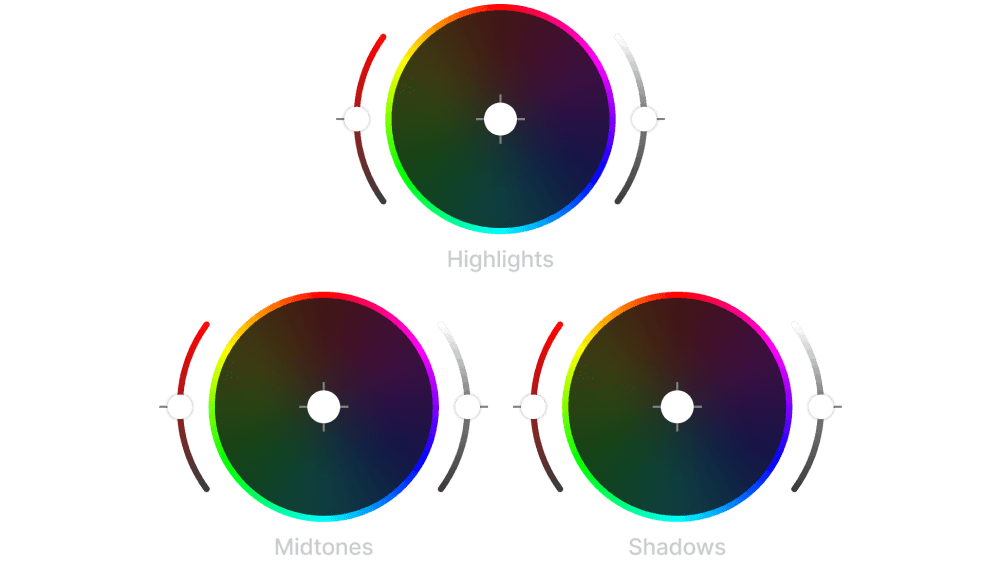
Color controls
Whether you want to correct color tones or make your video pop, the color panel gives you full creative control over your video\'s look with white balance and saturation sliders.

Epidemic Sound music
Access Epidemic Sound's entire world-class royalty-free music catalog directly in elevate.io. Explore, preview, and add great tracks without ever leaving your editor.

Transitions
Pick from a wide range of slick transitions to move your story from one clip to the next.

Subtitles & transcriptions
Adding engaging subtitles to your videos has never been easier. Transcribe speech and pick a design template to add beautiful subtitles in just a few clicks.
Missed a few updates?

Free stock video library
You can add high quality stock footage directly to your videos without ever leaving elevate.io. Hundreds of thousands of great clips at your fingertips, all free.
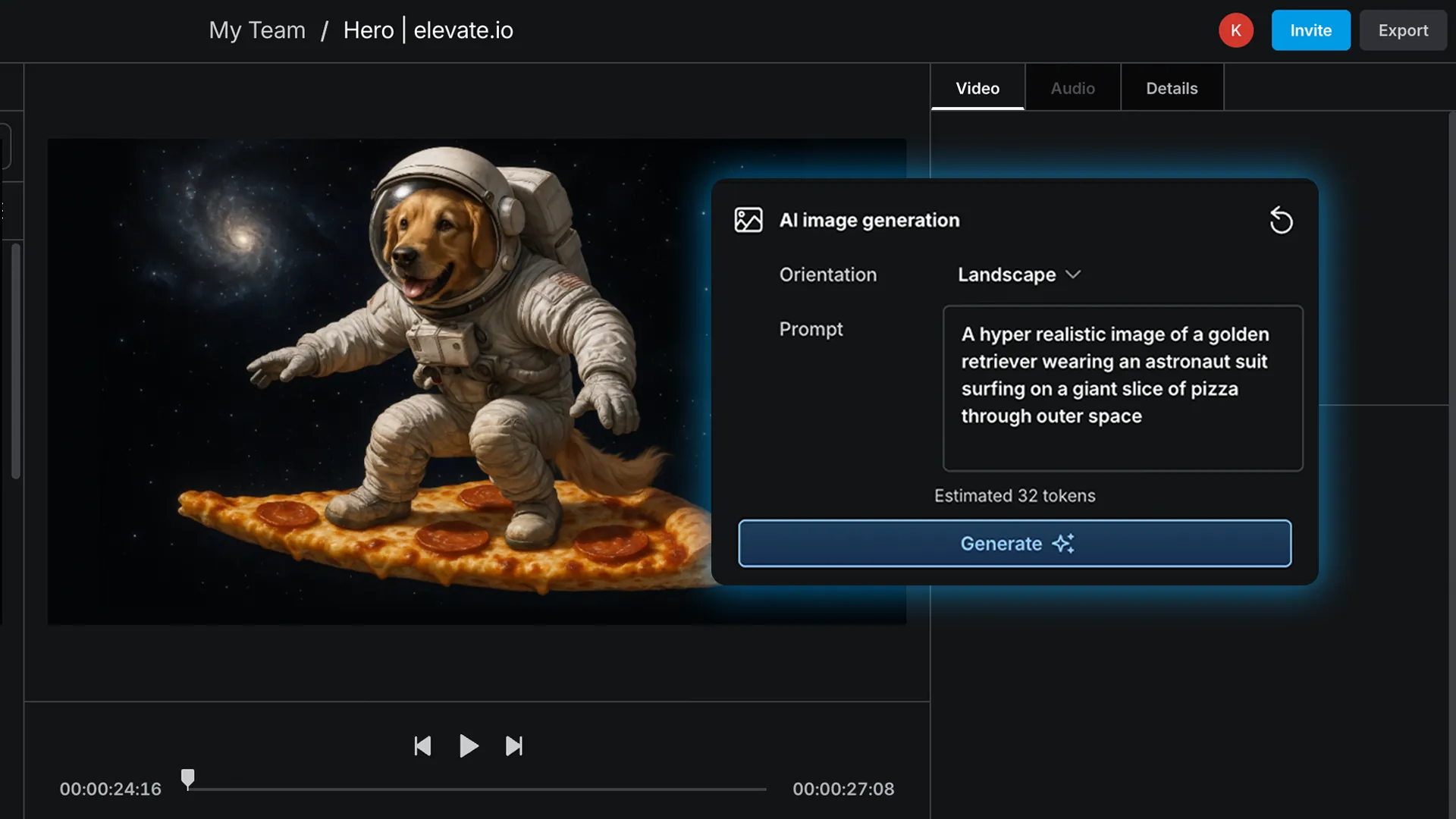
AI image generation
Let your imagination run free and craft stories without boundaries using AI image generation right on your editing timeline.
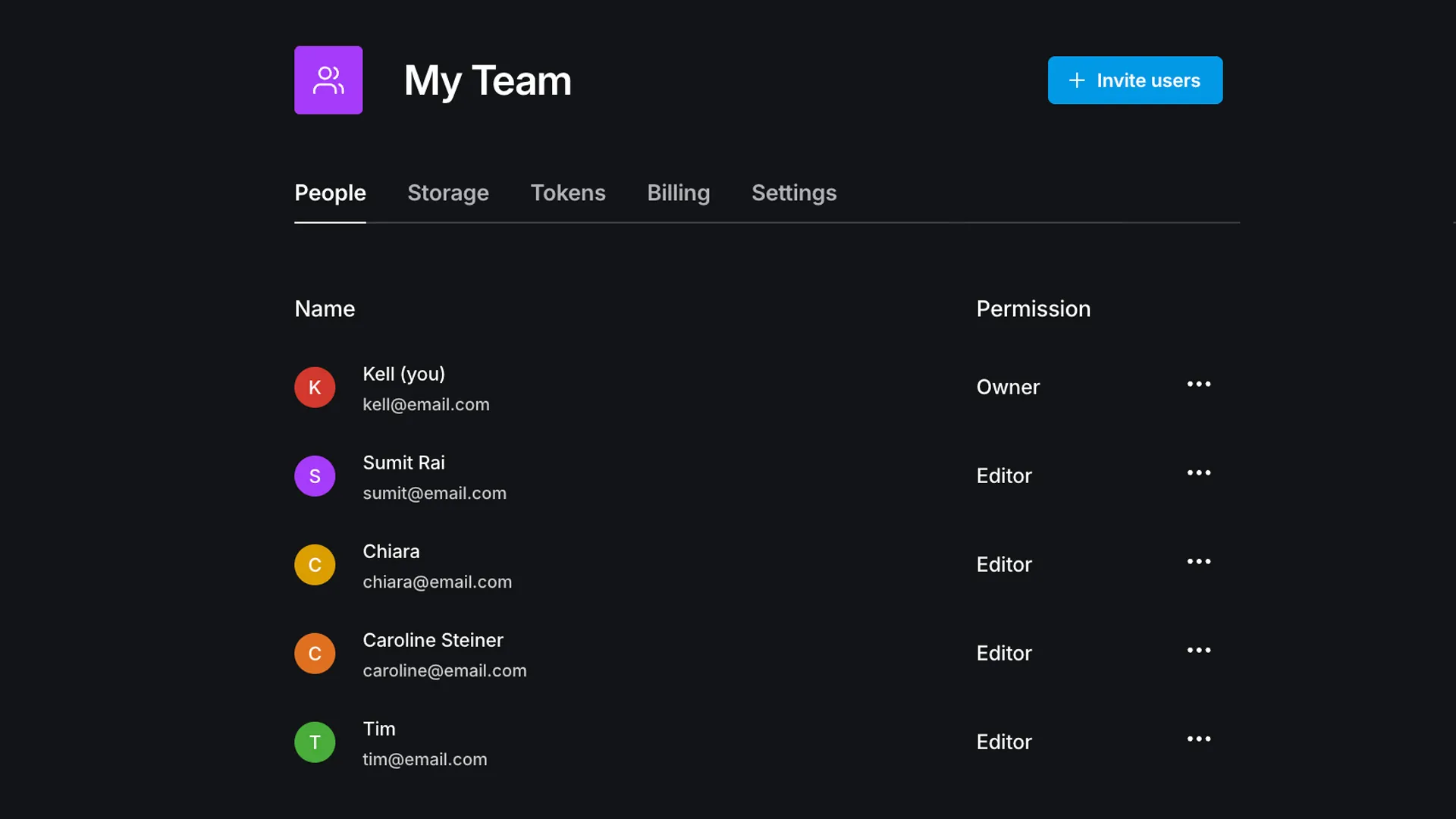
Teams
Organize your colleagues into a team so that everybody has instant access to all the projects and assets owned by the team.
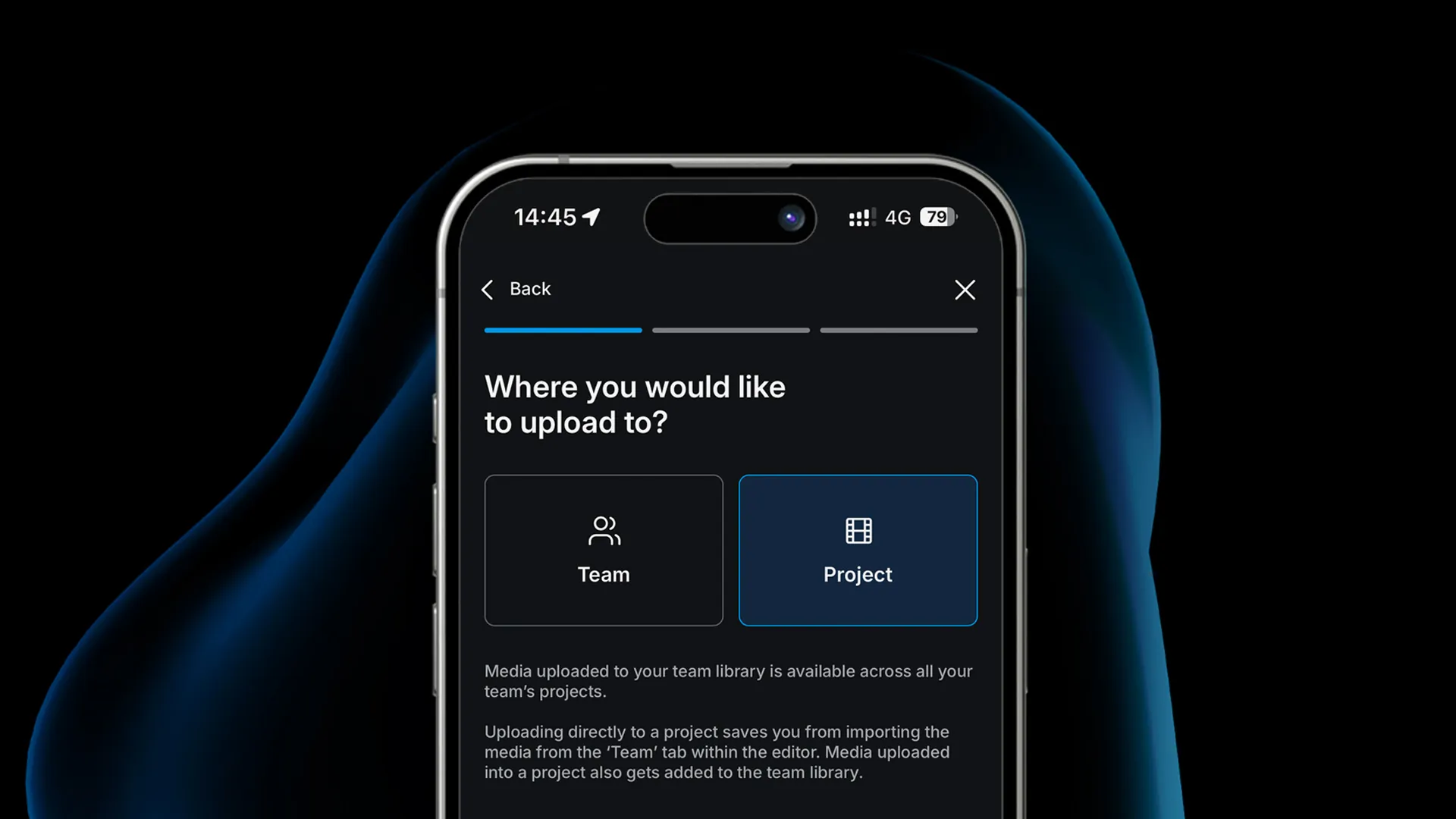
Mobile upload
Log in to elevate.io from your iPhone or Android device to upload videos directly into your projects with our seamless mobile upload flow.
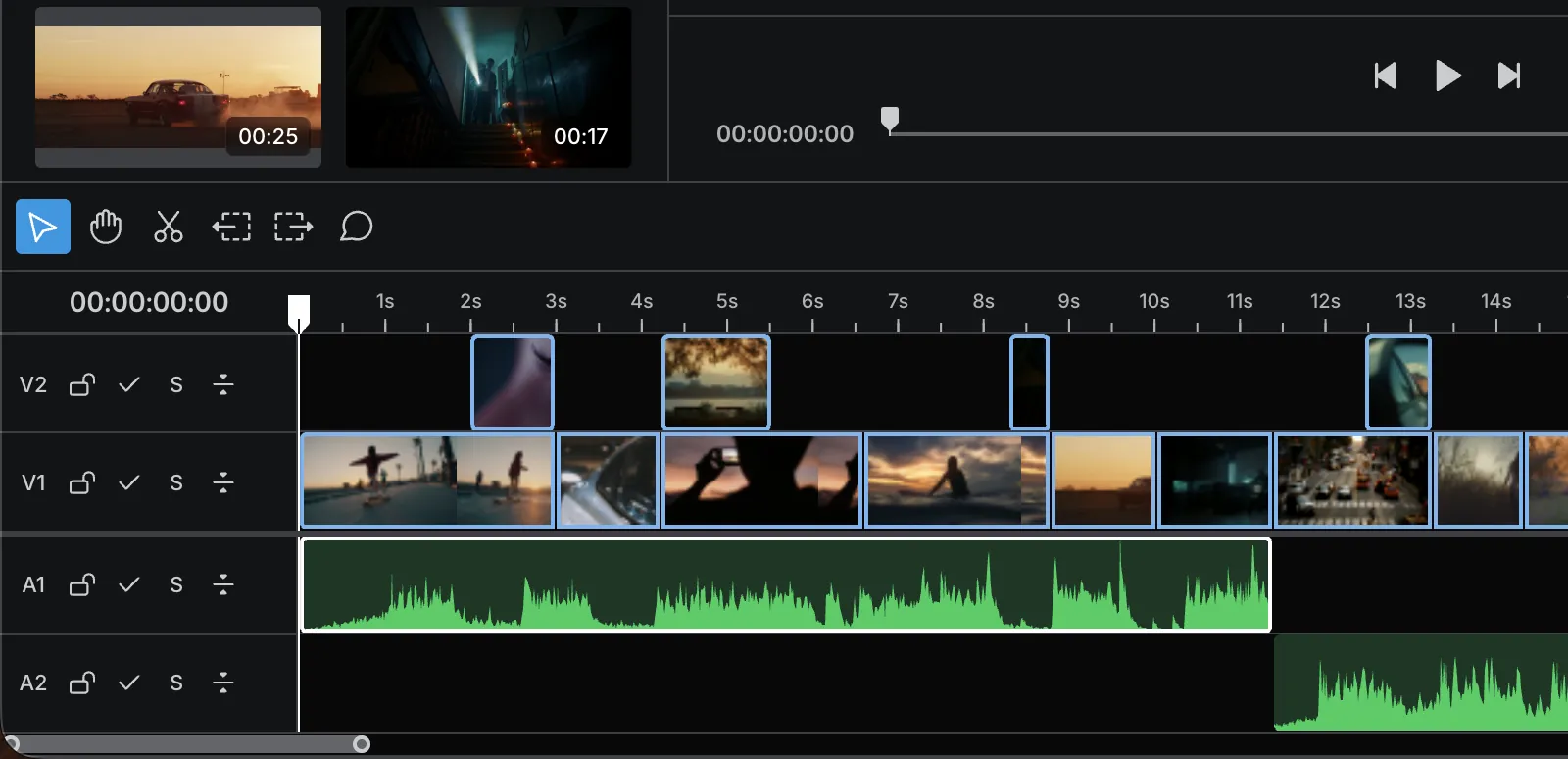
Timeline
elevate.io has a beautifully simple timeline. Drag video and audio files from your media panel onto the timeline and sequence your media to craft engaging stories.

Cut & trim
Cut and trim your videos faster than ever before. Simply drag the sides of clips or use the scissors tool.

Text
Write text and craft the look in the inspector panel to make messages that stand out.

Looks
Our Looks panel provides you with many built-in LUTs to color grade your videos easily. Pick from a library of cinematic tones, retro aesthetics, or many other styles.

Export at 4K Ultra HD
Export high resolution videos in the cloud so your machine is never stuck exporting heavy files. Once done, you\'ll receive an email with a download link to your video.