
What's new:
Custom fonts

Bring your brand to every video with Custom fonts. Simply add text, open the Font menu, and hit Upload font to use your own typeface and keep every edit consistent, instantly recognisable, and unmistakably yours.
The latest product updates
The latest
product updates
AI voice isolation
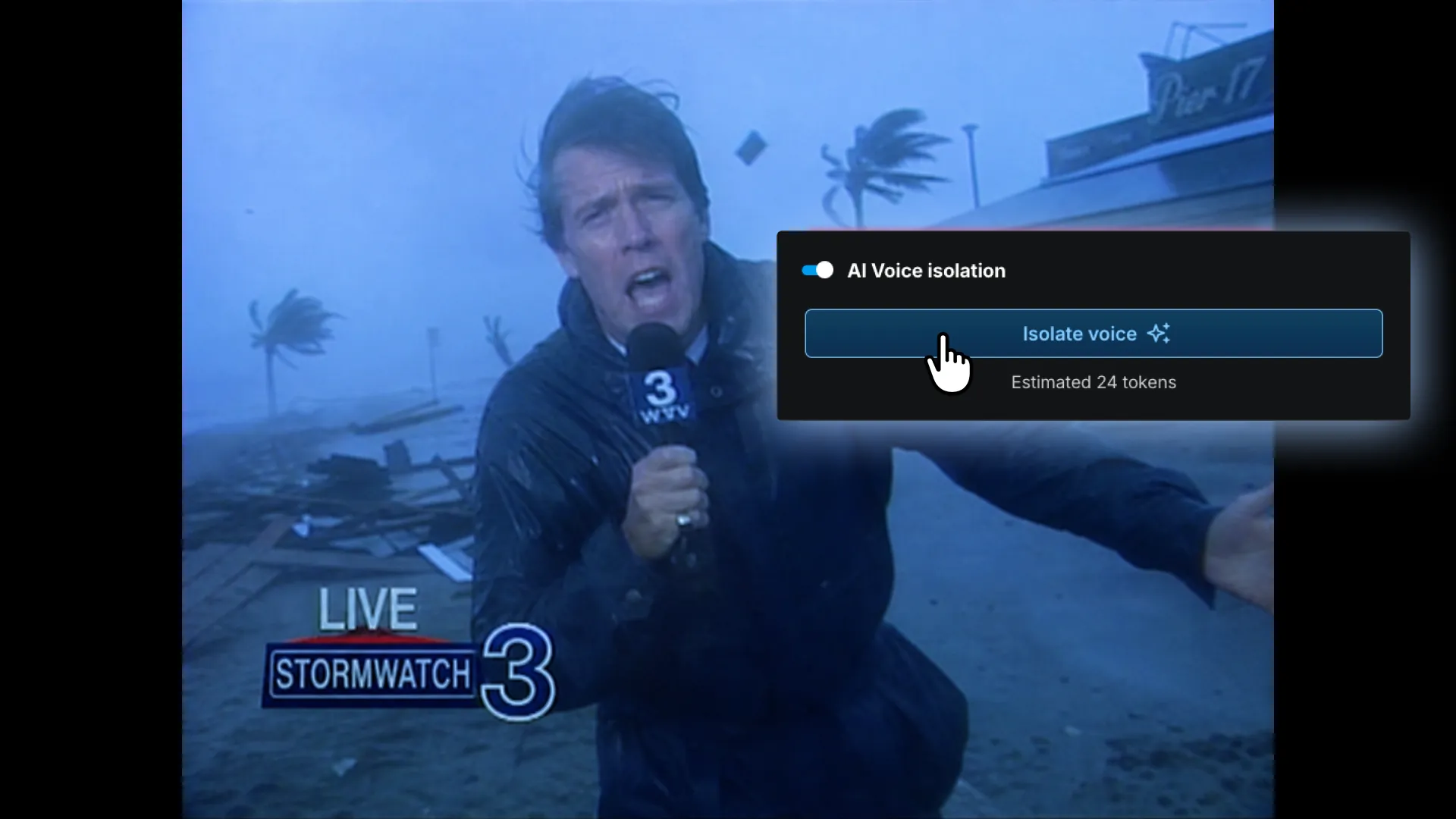
AI Voice isolation removes background noise from any clip automatically, leaving nothing behind but your voice audio. Now you never have to worry about finding a quieter spot or re-recording the shot again.

Video animations
Bring clips, text, and graphics to life with animation presets - in, out, and looping styles, applied in one click, no keyframes needed.

Recovery point history
Your edit history is saved automatically as you work. Browse recovery points and restore any previous state in one click.
Color grade with color wheels
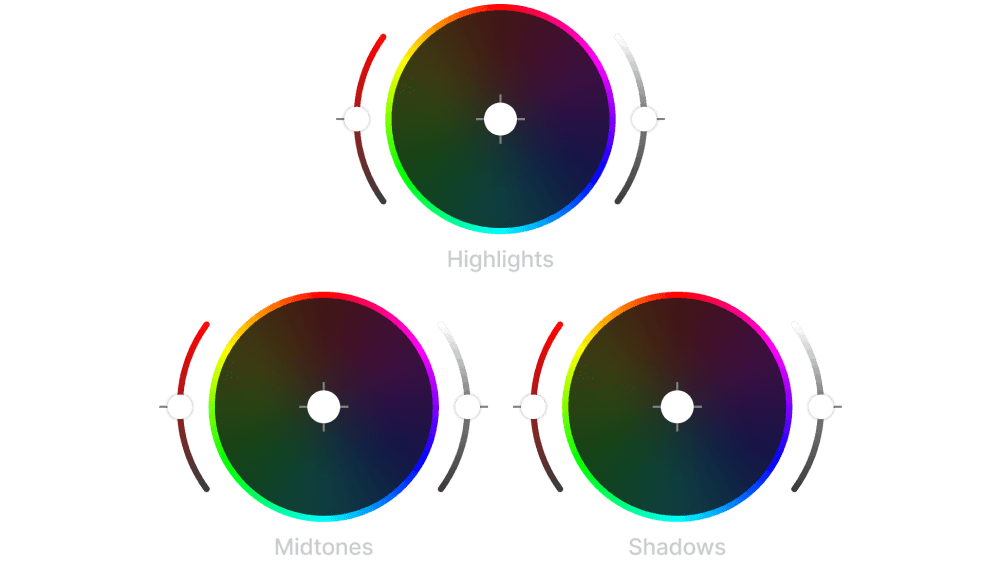
Fine-tune the shadows, midtones, and highlights independently to create the perfect look.

Royalty-free stock music library
Browse and add music tracks from Epidemic Sound's royalty-free catalog without leaving the editor. Preview, pick, and publish.
Bring clips, text, and graphics to life with animation presets - in, out, and looping styles, applied in one click, no keyframes needed.
Your edit history is saved automatically as you work. Browse recovery points and restore any previous state in one click.
Fine-tune the shadows, midtones, and highlights independently to create the perfect look.
Browse and add music tracks from Epidemic Sound's royalty-free catalog without leaving the editor. Preview, pick, and publish.

Choose from a wide range of transitions to move cleanly between clips. Dissolves, wipes, fades, and more.
Missed a few updates?
Video transitions
Choose from a wide range of transitions to move cleanly between clips. Dissolves, wipes, fades, and more.

Auto subtitles and transcription
Transcribe speech automatically and apply a styled subtitle template in a few clicks. Accurate, fast, and on-brand every time.
Free stock video footage
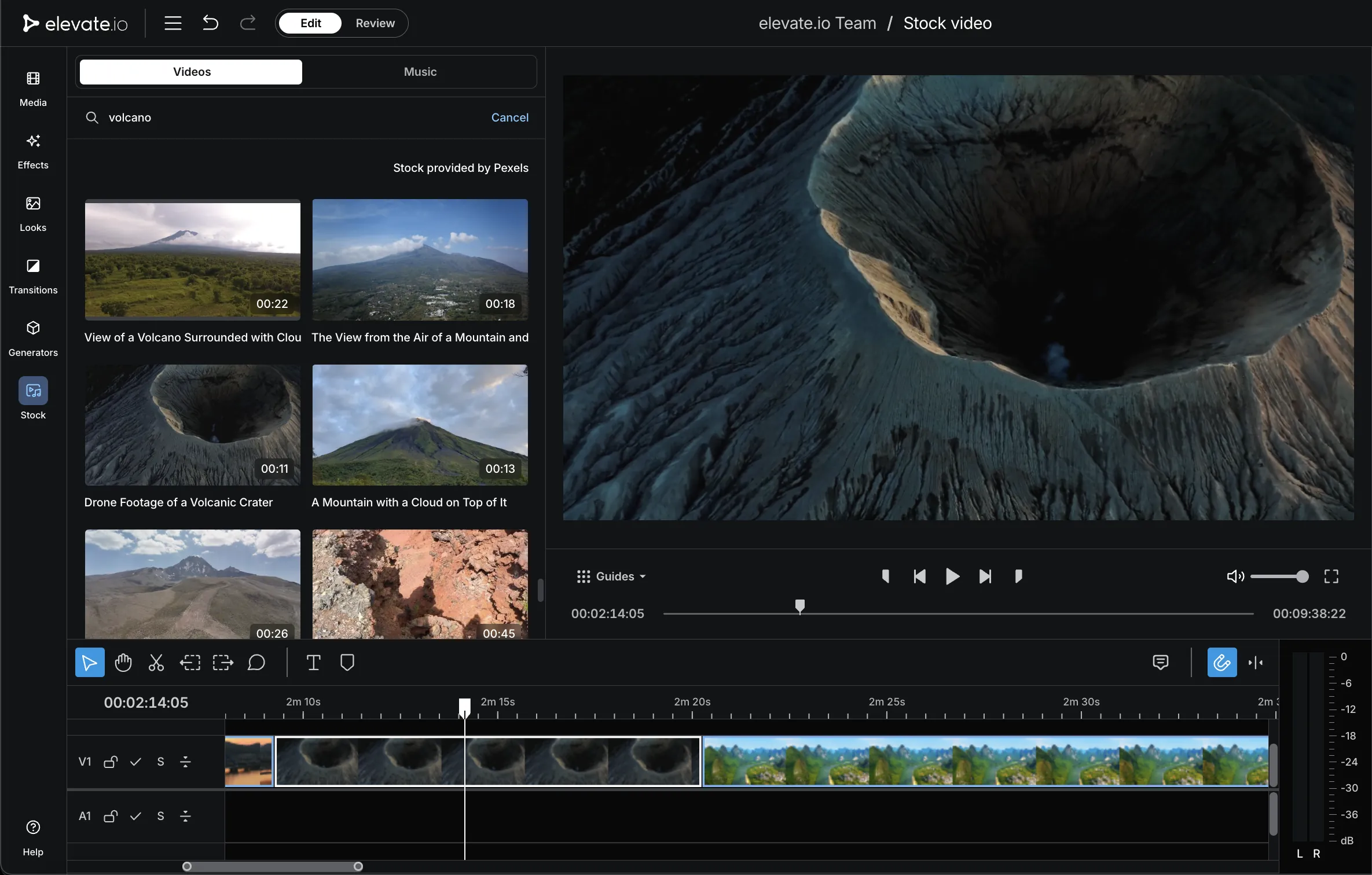
Add professional stock footage directly to your edit from a library of hundreds of thousands of clips - all free to use.
AI image generation for video
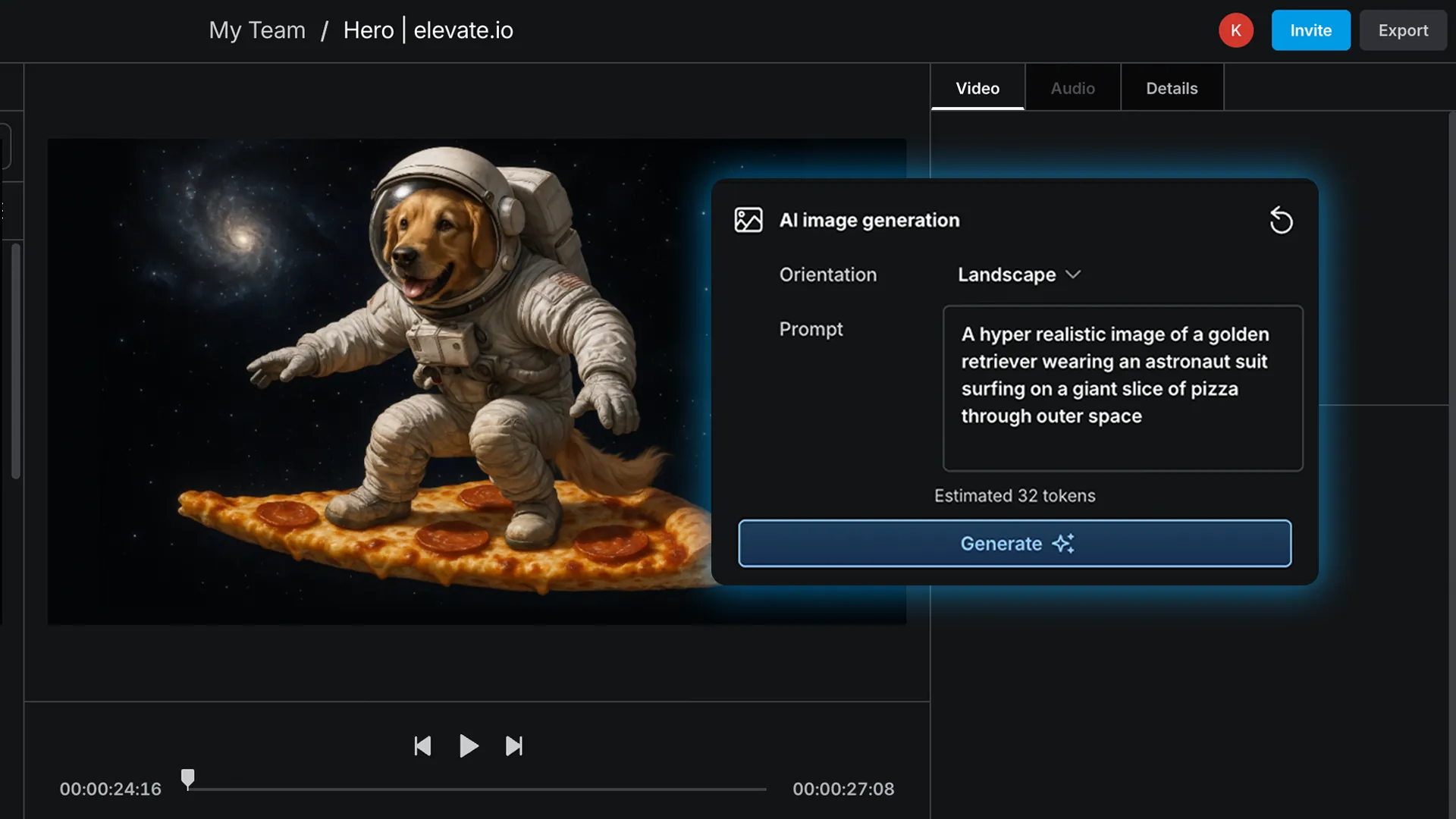
Generate original images directly on the timeline using AI. There's no need for another design tool, no stock image library, and no leaving the editor.
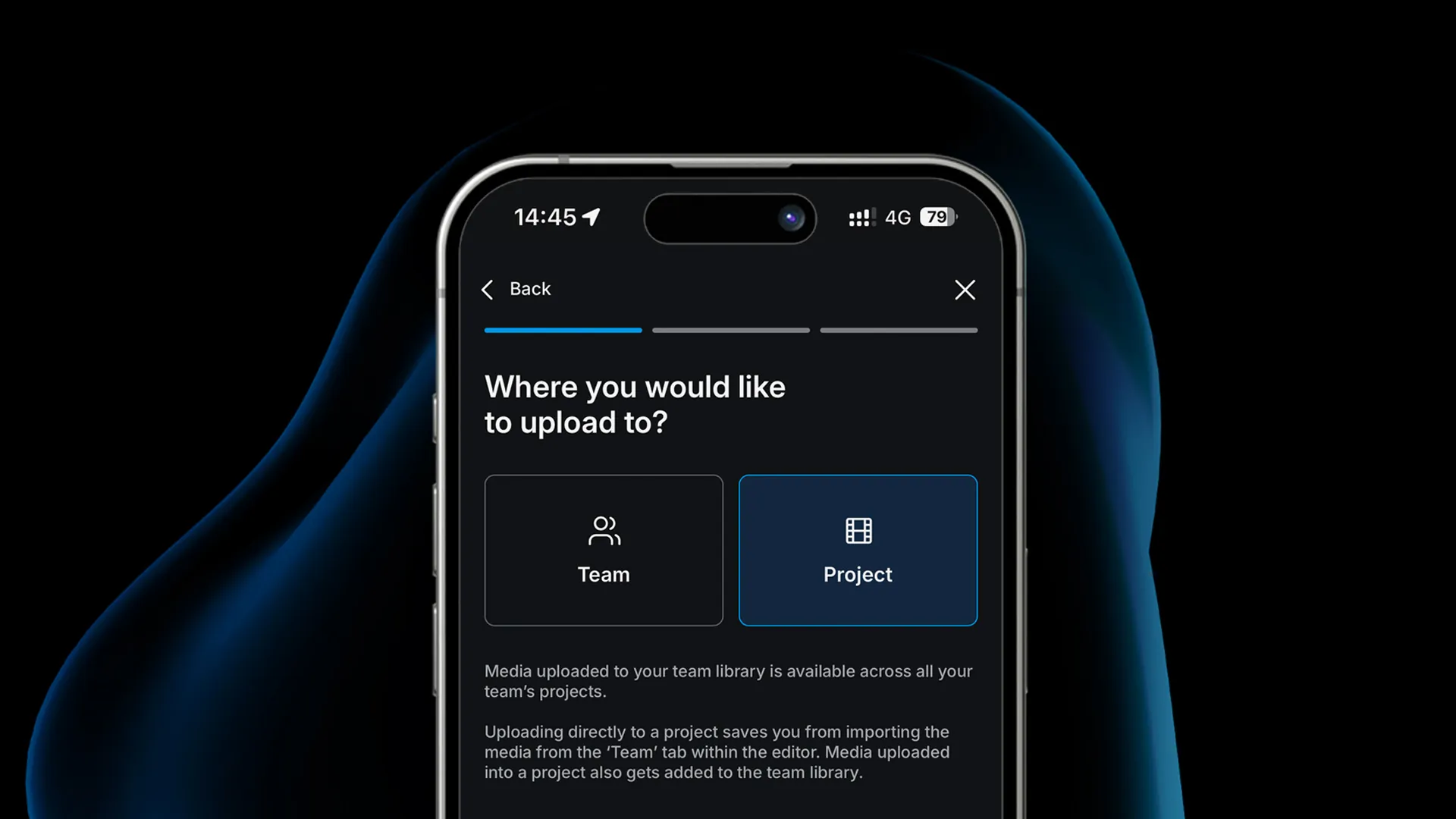
Upload video from mobile
Log in from your iPhone or Android device and upload footage straight into your projects without cables or transfers.

Video review and approval
Send a review link and stakeholders will enter a clean player view to watch and comment. No editor access, no confusion.

Resize, rotate and reposition clips
Resize, reposition, or adjust a clip in the preview window using on-screen controls
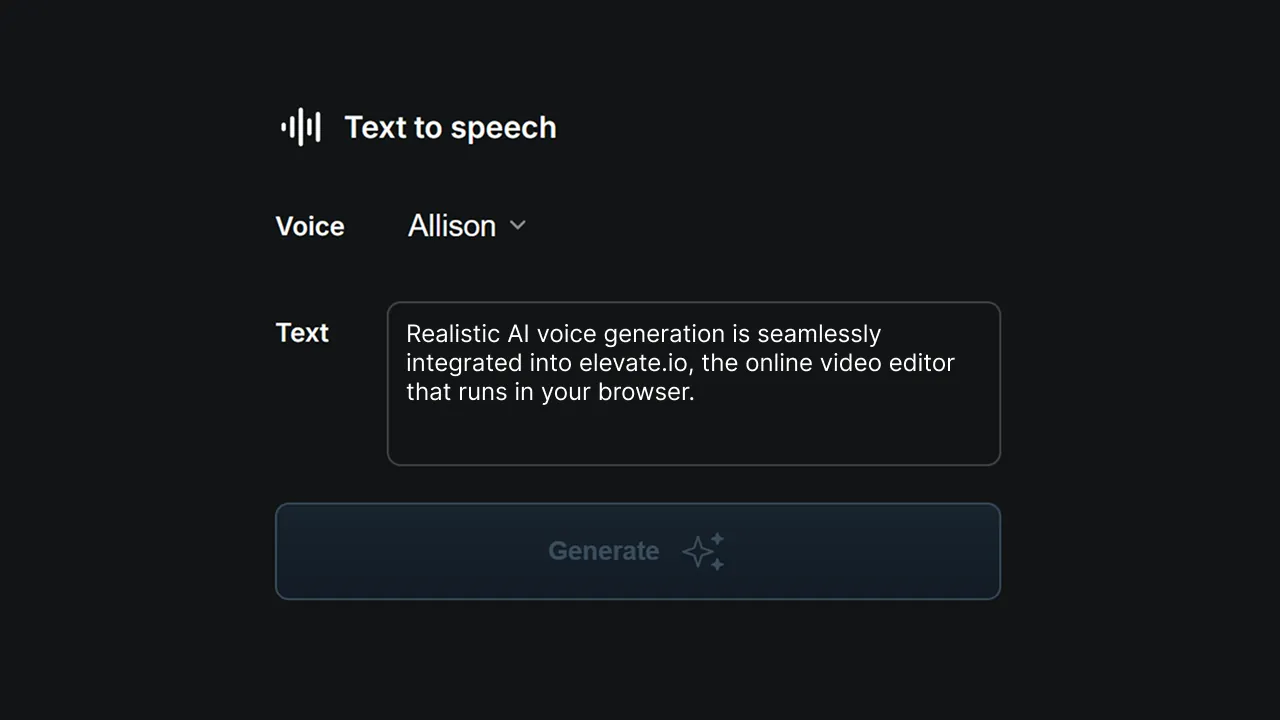
AI text-to-speech voiceover
Type your script and get realistic AI voiceover in seconds. There's no recording session, no voice artist, and no waiting required.

Color grading and LUTs
Color grade your footage in seconds with built-in LUTs. Browse cinematic, retro, and stylised presets until the look is right.